Is your password broken in seconds? How to create strong passwords and science of "Entropy"
"Safe if 8 characters or more" is common sense of the past. Threat of "Brute Force Attack" used by hackers and concept of "Entropy (Information Amount)" to prevent it. Concrete and practical guide to create strongest passwords.
That password, hackers "know" it.
"Pet's name", "My birthday", "Favorite artist's name"... If you include these in part of your password, we recommend changing it immediately.
Attackers collect personal information from your SNS (Instagram or X) and create "your own dictionary" based on it to launch attacks. What is even more terrifying is "Password Spray Attack" using password lists leaked from other sites in the past, and "Brute Force Attack" using high-performance GPUs.
Using modern computer power, 8-character passwords with only lowercase letters can be deciphered instantly. Do you think "It's okay because I included one symbol"? That also lasts only a few minutes. According to reports from security companies, about 60% of passwords worldwide are said to be simple ones like those in top 1,000 lists.
Password Strength CheckerCheck your password's strength instantly and get actionable security tips.What is "Entropy" that determines password strength?
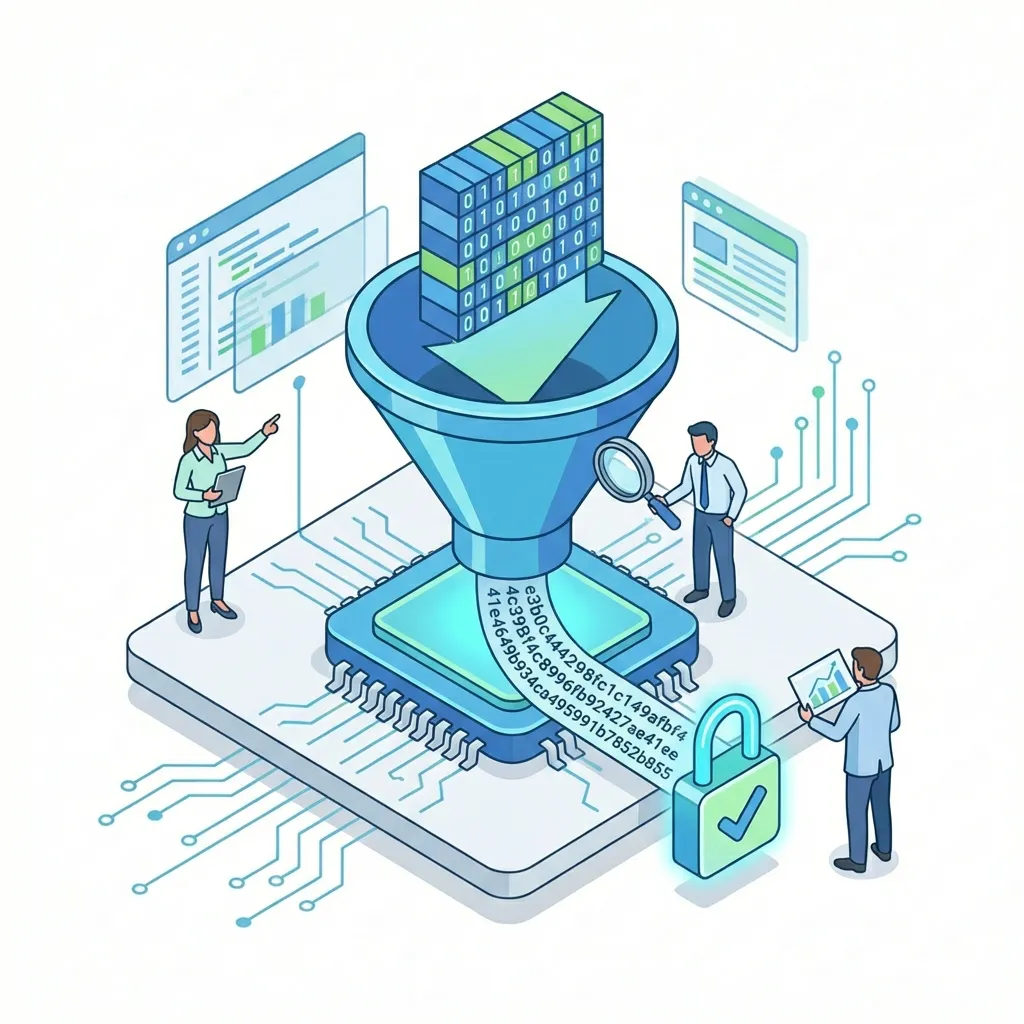
Password strength can be measured by mathematics, not intuition. That is Entropy (bit count). This is an index indicating "how much information is needed to identify that password".
Calculation Formula
$$ E = L \times \log_2(N) $$
- E: Entropy (bit)
- L: Password length
- N: Character type (26 lowercase letters, 26 uppercase letters, 10 numbers, 30 symbols, etc.)
Benchmark Strength
- 40bit or less: Very Weak (Deciphered instantly)
- Around 60bit: Normal (Fear of being deciphered in a few days to weeks)
- Over 80bit: Strong (Takes years to hundreds of years)
- Over 100bit: Very Strong (Virtually undecipherable)
For example, "apple123" looks complicated at first glance, but since it is a combination of words in dictionary and simple numbers, entropy becomes very low. Conversely, if it is a random string, entropy becomes higher even with the same length.
Jenee's checker calculates this entropy safely on the browser and determines how "strong" your password is.
3 Strategies to Create Strongest Password
1. "Length" is Justice
As can be seen from the entropy calculation formula, increasing the number of characters (length) is overwhelmingly more effective than increasing character types. This is because strength increases exponentially.
- 8 characters (Alphanumeric symbols): About 52bit
- 12 characters (Alphanumeric symbols): About 78bit
- 16 characters (Alphanumeric symbols): About 104bit
Please aim for at least 12 characters, preferably 14 characters or more.
2. Passphrase Method (Diceware)
Recommended for those who say "I can't remember random 16 characters!" is a method of connecting unrelated words.
- ×
Tr0ub4dor&3(Complicated and hard to remember, but easy to analyze) - ○
Correct-Horse-Battery-Staple(Easy and easy to remember, but very strong)
Detailed in comic "XKCD", putting delimiters (hyphens or spaces) between words further increases strength. This is a method that became famous.
3. Use Password Manager
There is a limit to the human brain. It is impossible to remember distinct complex passwords for all sites. Let's use functions of 1Password, Bitwarden, or browser standard (iCloud Keychain or Google Password Manager). You only need to remember one "Master Password" to open the manager.
Invisible Threats: Social Engineering and Keylogger
Even if the password itself is strong, it is meaningless if the environment to enter it is not safe.
Social Engineering
Method of stealing information by taking advantage of human psychological gaps and behavioral mistakes.
- Phishing Scam: Induce to a fake site (Amazon, Bank, etc.) that looks exactly like the real one and make you enter the password.
- Shoulder Hacking: Stealing input screen over shoulder from behind at cafes or trains.
Keylogger
Virus or spyware that records keyboard input history. If infected with this, no matter how long and complex password you enter, the "key touch" itself will be leaked. It is important to keep OS and antivirus software up to date.
Two-Factor Authentication (MFA) is "Absolute"
No matter how strong the password is, it is meaningless if stolen by phishing scam. The last fortress is Two-Factor Authentication (2FA / MFA). It is a mechanism that requires "code sent to smartphone" etc. in addition to password at login.
- SMS Authentication: Easy, but there is a risk of SIM swap attack.
- Authentication App (Authenticator): Google Authenticator etc. High security.
- Hardware Key: YubiKey etc. Strongest security. Since you cannot log in without physical key, almost 100% prevent remote attacks.
Let's configure authentication app rather than SMS as much as possible.
Security of Future: Passkeys
The act of "remembering passwords" itself is about to become a thing of the past. "Passkeys" using FIDO Authentication promoted by Apple, Google, and Microsoft is a mechanism to login using fingerprint or face authentication.
In Passkeys, private keys are securely stored in the device, and only public keys are stored in the server. Therefore, the risk of password leakage from the server itself does not exist. Since supported sites are increasing, let's switch positively if configurable.
Summary: "Exchange of Keys" you can do right now
Security measures are often thought to be "troublesome", but damage when victimized (money, trust, loss of memorable photos) is immeasurable. No one goes out without locking the house, right? Let's lock the "account" which is a house on the Internet firmly.
- Stop reusing passwords (This is most important!)
- Make passwords for important accounts (Google, Apple, Bank) 14 characters or more
- Set Two-Factor Authentication
First, let's check the strength of the password you normally use. If "Decipherable in seconds" is displayed, that is a signal for change.
Password Strength CheckerCheck your password's strength instantly and get actionable security tips.Related Articles