Writing Good Commit Messages and Mastering Git Branching Strategies
Vague commit messages like 'fixed stuff' or 'updates' are an act of betrayal to your future self and your team. Learn the global standards of Conventional Commits and how solid branching strategies accelerate team development.
Who Are Commit Messages Actually For?
When beginner programmers invariably join their first collaborative team project, the most frequent and devastating bad habit they bring is "writing thoughtless, garbage commit messages."
fixfixed a bugupdated stuff
Have you ever executed a git commit with a message like this?
A commit message is never a personal sticky note written for the "current you." It is an official, permanent letter addressed to the "future you" who will be desperately investigating a critical bug six months from now (via git log or git blame), and to the team members reviewing your code today.
A Git history where people cannot instantly deduce "why, where, and how a change was made" with a single glance severely cripples the long-term maintainability of any project.
Text DiffCompare two texts or code snippets to highlight differences instantly.Conventional Commits: The Global Standard
"Conventional Commits" is a stringent formatting standard universally adopted by elite open-source projects and massive tech corporations. It is a lightweight framework that forces developers to clarify their intentions by prepending a specific "prefix" to every commit message.
Primary Prefixes:
feat:: A new feature for the user.fix:: A bug fix.docs:: Changes purely to documentation (like READMEs).style:: Formatting changes that do not affect the meaning of the code (white-space, formatting, missing semi-colons, etc).refactor:: A code change that neither fixes a bug nor adds a feature (improving internal architecture).test:: Adding missing tests or correcting existing ones.chore:: Updating build tasks, package manager configs, or auxiliary tools.
Examples of Excellent Commits:
feat: add password reset functionality for user profiles
fix: resolve CSS layout breaking on login button for mobile
docs: update README with new API endpoint payloads
By simply attaching these prefixes, both humans and automated CI/CD systems can instantly categorize whether a specific historical commit introduced a new feature, fixed a broken system, or just cleaned up some typos.
Branching Strategy: Why You Must Never Push Directly to "main"
The second non-negotiable rule of team development is adhering to a robust "Git Branching Strategy."
In small, personal hobby projects, developers often write code and commit directly onto the main (or master) branch. In a professional team environment, this is an absolute, highly destructive taboo.
The main branch must be treated as a sacred sanctuary. It should only ever contain "100% secure, fully tested, and completed code that is ready to be immediately deployed to the production environment (to real users)."
The Safety of "Feature-Based Branching"
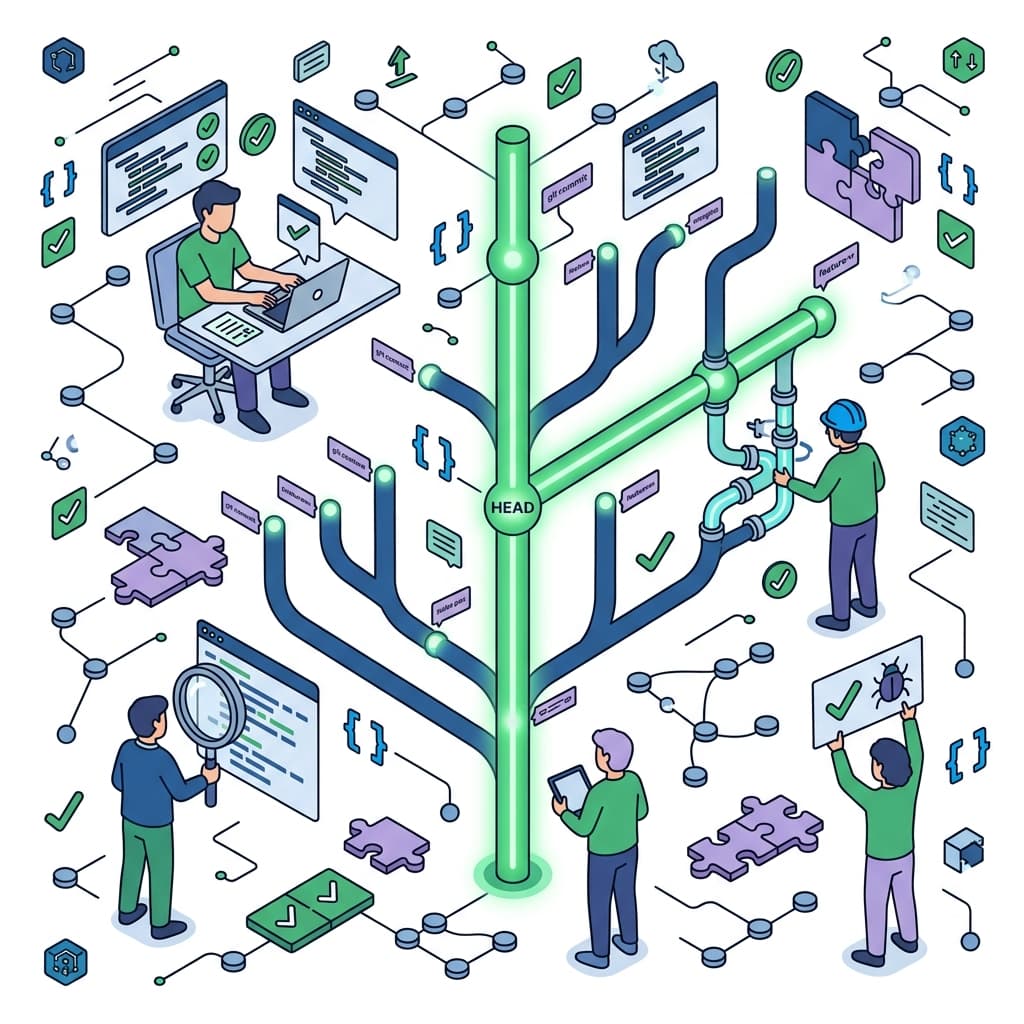
Whenever you intend to build a new feature or squash a bug, you must diverge from main and create a fresh, isolated "working branch" (e.g., feat/password-reset or fix/login-layout).
- Create an isolated working branch (
git checkout -b feat/xxx). - Write your code and continuously stack clean, well-documented commits on that branch.
- Once development is complete, push the branch to your remote repository (e.g., GitHub).
- Open a "Pull Request (PR)" and mandate that other engineers review your code.
- Only after the code passes review and its safety is guaranteed is it merged (integrated) back into the sacred
mainbranch.
By strictly adhering to this workflow (often referred to as GitHub Flow), you physically construct a firewall that prevents broken, untested code from ever bleeding into your live production environment.
Base64 Encoder/DecoderEncode or decode strings and files into Base64 format effortlessly.Conclusion: Great Code Stems from a Beautiful History
No matter how exceptionally brilliant your programming skills are, if your commit logs are an absolute disaster and your branching protocol is chaotic, you will instantly lose the trust of senior engineers in any team setting.
"Only include one intention per commit (never mix a massive feature addition with a random refactor)," "Always use Conventional Commits," and "Never pollute the main branch." By forging these three ironclad rules into your daily habits, your repository's history will become a masterpiece of clarity, and you will save your future self from countless hours of debugging agony.