Could Your Password Be Cracked in Seconds? How Length and Complexity Affect Cracking Time
Understand cracking time differences based on password length and character types with real numbers. Learn about brute-force attacks, strong password conditions, and password manager usage.
Is Your Password Really Safe?
"password," "123456," "qwerty" — these appear on the "most used passwords" list every year. All of them are cracked in less than 1 second.
Even people who think "I don't use weak passwords" may have passwords that can be cracked faster than imagined.
This article explains what determines cracking time with real numbers, and what makes a password genuinely secure.
Password GeneratorGenerate highly secure, random passwords instantly to protect your accounts.What Is a Brute-Force Attack?
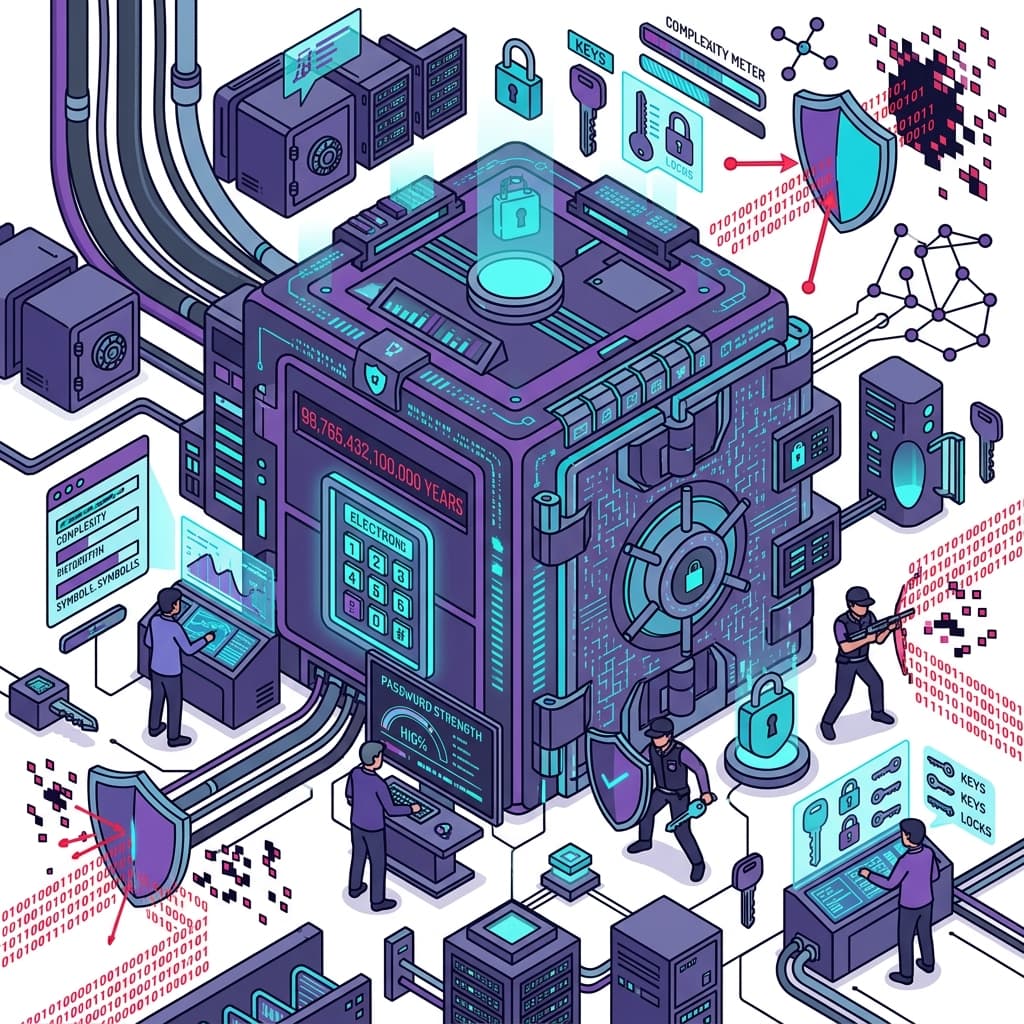
A brute-force attack tries every possible combination of characters until it finds the right one.
Modern password cracking tools can attempt 10 billion to 100 billion combinations per second (10^10–10^11). With large-scale GPU parallelization, this speed continues to increase.
Character Space by Type
The wider the range of characters used ("character space"), the more combinations must be tried, making cracking exponentially harder.
| Character Type | Count |
|---|---|
| Digits only (0–9) | 10 types |
| Lowercase letters only | 26 types |
| Upper + lowercase | 52 types |
| Upper + lower + digits | 62 types |
| Upper + lower + digits + symbols | ~95 types |
Word Count vs. Cracking Time
Estimated cracking times assuming 10 billion attempts per second (10^10/sec):
Digits Only
| Length | Combinations | Estimated Cracking Time |
|---|---|---|
| 4 digits | 10,000 | Instant (0.000001 sec) |
| 6 digits | 1,000,000 | Instant |
| 8 digits | 100,000,000 | 0.01 seconds |
Upper + Lowercase + Digits (62 characters)
| Length | Combinations | Estimated Cracking Time |
|---|---|---|
| 6 chars | ~56.8 billion | ~5.7 seconds |
| 8 chars | ~218 trillion | ~6 hours |
| 10 chars | ~839 quadrillion | ~970 days |
| 12 chars | ~3.2 quintillion | ~100 years |
Upper + Lower + Digits + Symbols (95 characters)
| Length | Combinations | Estimated Cracking Time |
|---|---|---|
| 8 chars | ~6.6 trillion | ~11 minutes |
| 10 chars | ~59 quadrillion | ~677 years |
| 12 chars | ~540 sextillion | ~17 million years |
A 12+ character alphanumeric + symbol password is practically impossible to crack with current technology.
Password Strength CheckerCheck your password's strength instantly and get actionable security tips.Dictionary Attacks and Defenses
More efficient than brute-force is the dictionary attack — comparing your password against databases of commonly used passwords, words, names, and dates.
Extremely vulnerable to dictionary attacks:
- Pure English words (
sunshine,dragon) - Words + numbers (
password123) - Birthdates or anniversaries (
19900415) - Name + year (
smith2024) - Keyboard sequences (
qwerty,asdfgh)
The Passphrase Approach
Passphrases — 4+ random words combined — create memorable yet powerful passwords.
Example: correct-horse-battery-staple (26 characters)
These work because:
- Brute-force would take impractical amounts of time
- Dictionary attacks fail because of the random word combination
- Easy to remember
7 Rules for Creating Strong Passwords
- Use at least 12 characters (ideally 16+)
- Mix uppercase, lowercase, digits, and symbols
- Avoid dictionary words and names
- Don't include personal information (birthdays, addresses, phone numbers)
- Never reuse passwords across multiple services
- Update regularly (especially for critical accounts)
- Never share or write down passwords
Using a Password Manager
The solution to "I can't remember strong passwords" is a password manager.
Password managers:
- Auto-generate and store long, random, strong passwords
- Give you access to all passwords with one master password
- Support auto-fill in major browsers
Popular options:
- Bitwarden (free, open-source)
- 1Password (paid, highly usable)
- Dashlane (free plan available)
- Browser built-ins (Chrome, Safari, Firefox)
Set an especially strong master password and never share it with anyone.
Password GeneratorGenerate highly secure, random passwords instantly to protect your accounts.Frequently Asked Questions
Q1. If I set up two-factor authentication (MFA), can I use a weak password? A: MFA is highly effective but not sufficient alone. Attack methods like SIM swapping can bypass MFA. Strong password + MFA combined is the baseline requirement.
Q2. What should I do if my password was exposed in a data breach? A: Immediately change the exposed password and any other services where you used the same password. Check exposure status at "Have I Been Pwned" (haveibeenpwned.com).
Q3. I've heard you don't need to change passwords regularly — is that true? A: The latest NIST guidelines state "periodic changes are not required if the password hasn't been compromised." That said, regular reviews of important accounts are still recommended.
Q4. Is biometric authentication (fingerprint, face) safer than passwords? A: Biometrics are convenient with reasonable security, but biometric data cannot be changed if leaked. For critical services, biometrics combined with strong passwords is ideal.
Summary: Password Security Is All About Length and Randomness
Password security comes down to length and randomness.
Practical steps:
- Use 12+ characters mixing all character types
- Use a password manager to set unique strong passwords for every service
- Always enable two-factor authentication for important services
- Regularly check for breaches and change compromised passwords immediately
Related Articles