Password Security Best Practices: How to Create and Manage Strong Passwords
Learn how to create strong passwords and manage them securely. Discover practical strategies to protect your accounts from breaches.
Password breaches remain one of the leading causes of account compromises worldwide. The good news is that with the right practices, you can dramatically reduce your risk.
Why Weak Passwords Are Dangerous
Simple, reused passwords are the root cause of most unauthorized access incidents. Common culprits include:
- Obvious strings like "123456" or "password"
- Personal information (birthdays, names, phone numbers)
- Short passwords (under 8 characters)
- Reusing the same password across multiple services
Attackers use dictionary attacks (testing common word combinations) and brute force attacks (trying every combination). Short, simple passwords can be cracked in seconds to minutes.
Password GeneratorGenerate highly secure, random passwords instantly to protect your accounts.What Makes a Strong Password
Based on NIST guidelines (SP 800-63B):
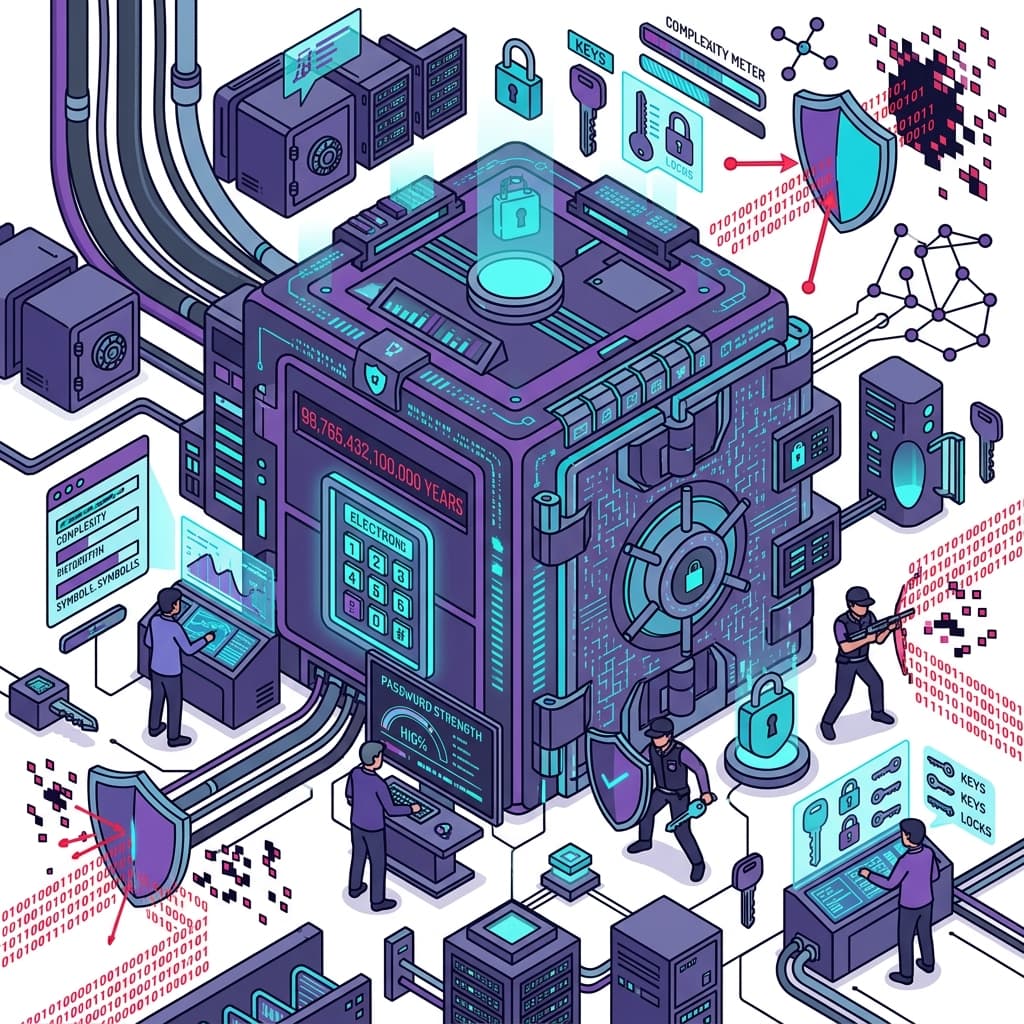
Length: At minimum 12 characters, ideally 16 or more. Length is the single most important factor. An 8-character password may be cracked in hours; a 16-character one could take centuries.
Complexity: Combine uppercase, lowercase, numbers, and special characters.
Randomness: Avoid meaningful words or personal information. Passphrases (multiple random words combined) are also highly effective.
Uniqueness: Use a different password for every service to prevent credential stuffing attacks.
Password Strength CheckerCheck your password's strength instantly and get actionable security tips.Using a Password Manager
It's impossible to memorize unique, complex passwords for dozens of services. Password managers solve this:
- Auto-generate strong random passwords
- Store all passwords behind one master password
- Auto-fill (won't fill on phishing sites if URL doesn't match)
- Sync across devices
Popular options: Bitwarden (free, open-source), 1Password (paid, feature-rich), KeePass (local storage).
Two-Factor Authentication (2FA)
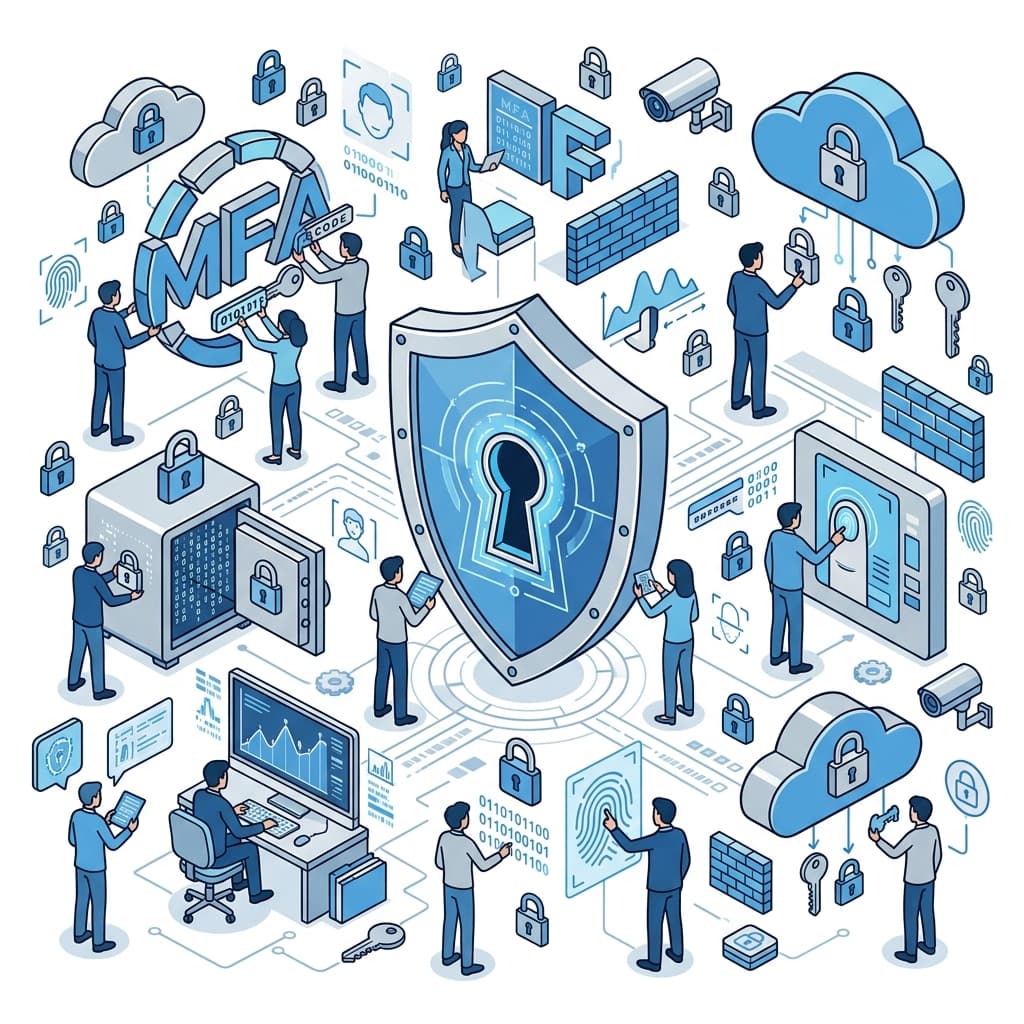
Pair strong passwords with 2FA for maximum security:
- SMS codes: Convenient but vulnerable to SIM swapping
- Authenticator apps (TOTP): More secure; Google Authenticator, Authy
- Hardware keys: Most secure; YubiKey
Enable 2FA on all critical accounts: banking, email, social media.
FAQ
Q: Should I change my password regularly? A: Current NIST guidelines recommend against mandatory periodic changes unless there's evidence of compromise. Focus on having strong, unique passwords instead.
Q: Is writing passwords on paper acceptable? A: Physical notes carry theft and loss risks. A dedicated password manager is the safest option.
Q: How can I check if my password has been leaked? A: Visit haveibeenpwned.com to check if your email address appears in known data breaches.
Summary
The three pillars of password security are: long and random, unique per service, and paired with 2FA. Use a password generator today to start protecting your accounts effectively.
Related Articles