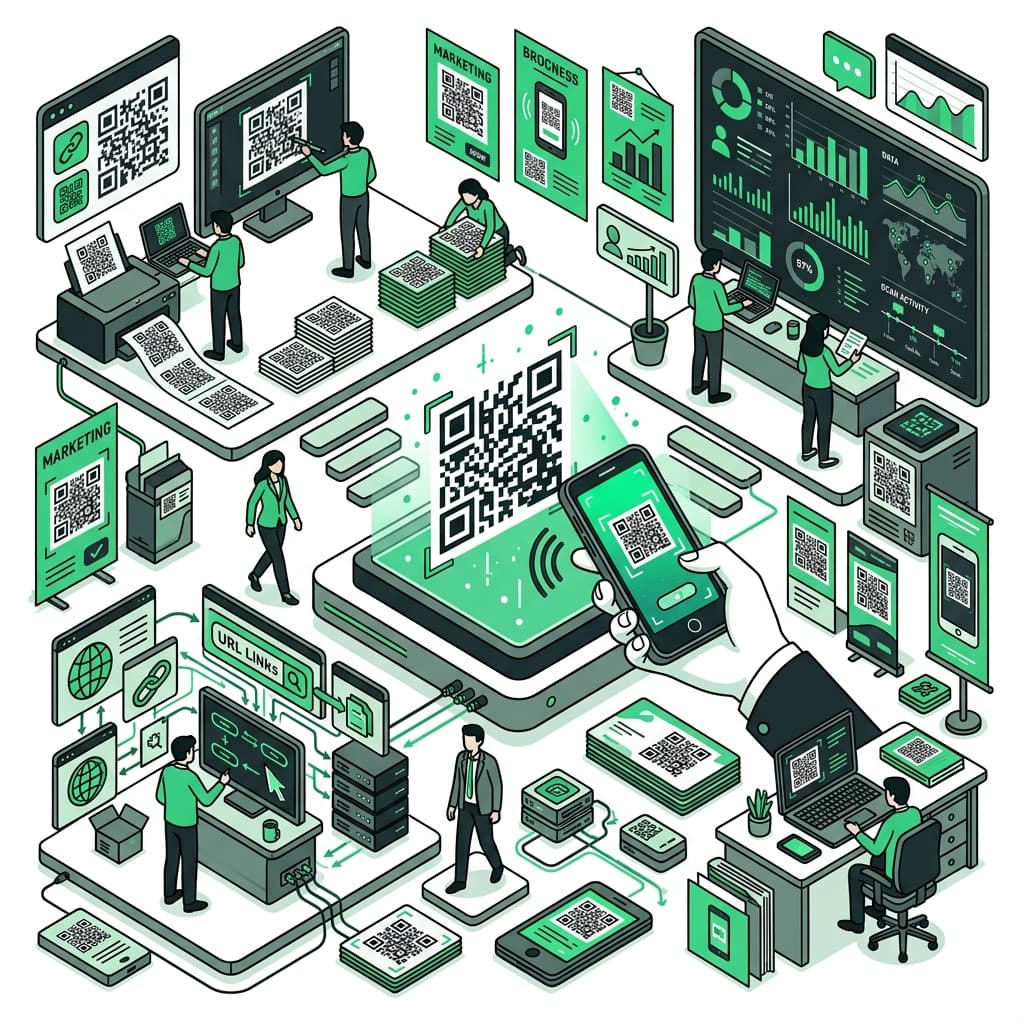
QR Code Complete Guide: How to Create, Scan, and Use QR Codes Effectively
Everything you need to know about QR codes — how to create them, read them, and use them effectively for business cards, stores, events, and personal use.
QR codes are everywhere — restaurant menus, payment terminals, business cards, event registrations. Understanding how to create, scan, and deploy them effectively is now a basic digital literacy skill.
QR Code Basics
What is a QR Code? Developed by Denso Wave (Japan) in 1994, QR codes are 2D barcodes that store data in a grid pattern. They hold significantly more data than traditional barcodes and include error correction — meaning they still scan even when partially damaged.
Data Capacity:
- Numbers only: up to 7,089 characters
- Alphanumeric: up to 4,296 characters
- Kanji: up to 1,817 characters
Error Correction Levels:
| Level | Recovery Capacity |
|---|---|
| L (Low) | ~7% |
| M (Medium) | ~15% |
| Q (Medium-High) | ~25% |
| H (High) | ~30% |
Use Level H when adding logos to QR codes — the logo area is treated as damage, and the error correction enables accurate scanning.
QR Code GeneratorCreate customized, scan-ready QR codes for URLs, text, and contacts.Scanning QR Codes
iPhone (iOS 11+): Open the Camera app and point at the QR code. A notification appears — tap it to follow the link.
Android: Most devices scan via the Camera app or Google Lens. Check settings if it's not working.
Security warning: Always check the URL that appears before tapping. QR code scams exist — fraudsters place fake QR stickers over legitimate ones in public spaces.
Creating QR Codes
Use Jenee's QR code generator to convert URLs or text into QR codes instantly.
Best practices:
- High resolution for print: Use 300 dpi or higher for printed QR codes
- Maintain quiet zone: Leave 4 module widths of white space around the code
- Test on multiple devices: Always test before distribution
- High contrast: Black code on white background is the reliable baseline
Use Cases by Context
Business cards: Link to your website, LinkedIn, or contact page. Recipients can follow immediately rather than manually typing your URL.
Restaurants: Table QR codes linking to digital menus became standard during the pandemic. Easy to update — no reprint needed when prices or items change.
Events: Use QR codes for check-in, surveys, and resource downloads. Eliminates paper forms and streamlines registration.
Marketing: Print QR codes on flyers and packaging linking to campaign pages. Add UTM parameters to track QR-driven traffic in analytics.
Education: Embed QR codes in printed materials to link supplementary videos, references, and interactive resources.
FAQ
Q: Can I change the QR code destination after printing? A: Not with static QR codes. Use a URL shortener service (like Bitly) to create "dynamic" QR codes — you update the destination URL through the service without changing the QR code image.
Q: Do QR codes expire? A: The QR code itself doesn't expire. But if the linked page is deleted or moved, the code stops working. Periodically verify links for important QR codes.
Q: Can I add a logo and still have it scan? A: Yes, if you use error correction Level H and keep the logo within 30% of the total QR code area. Always test thoroughly across multiple devices and apps.
Summary
QR codes are a practical bridge between physical and digital worlds. With Jenee's generator, creating one takes seconds. Whether for business cards, store menus, or marketing campaigns, a well-made QR code consistently delivers measurable engagement with minimal friction.