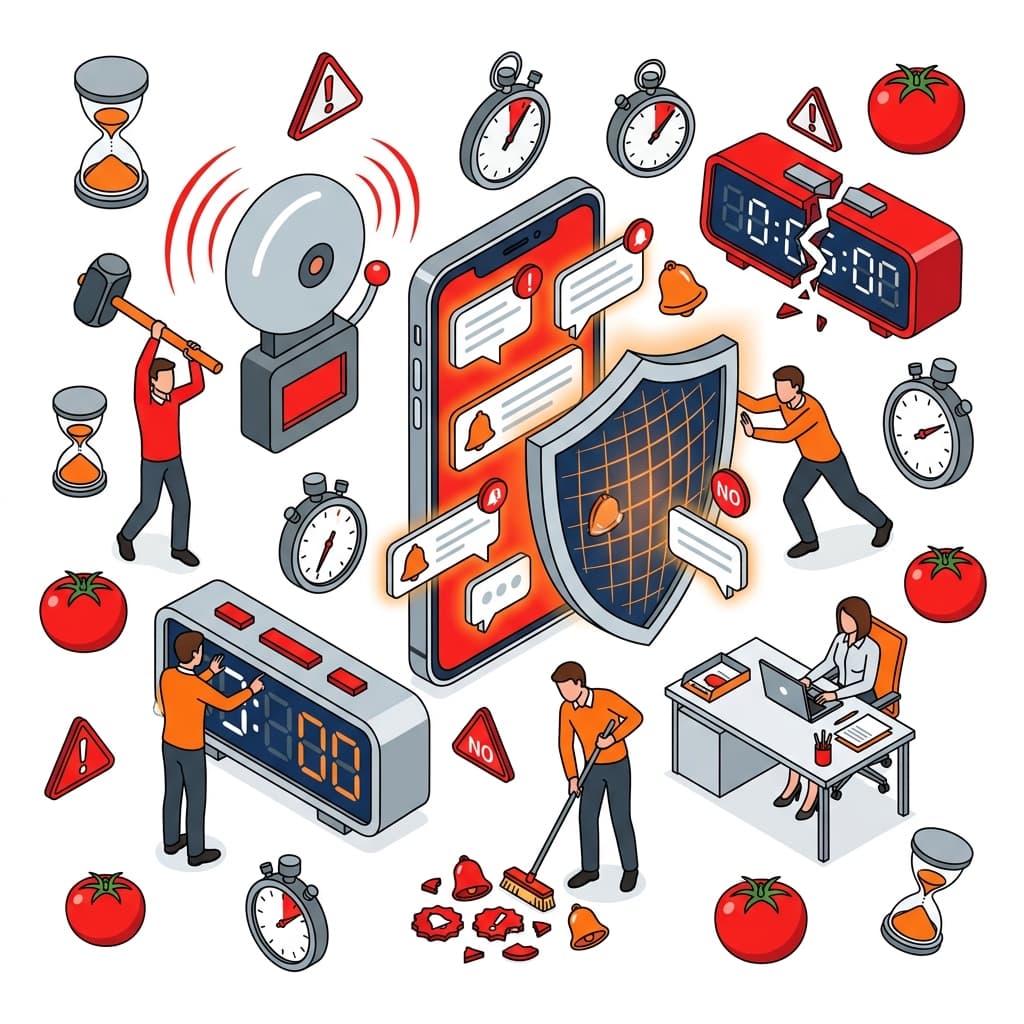
Defeat Time Thieves! How to Maintain Focus by Turning Off Smartphone Notifications
Did you know that a 'few seconds' of glancing at a smartphone notification destroys your focus for up to 23 minutes? Learn how to hack the modern time-thief notification system and reclaim your deep work.
A Single Notification Destroys "23 Minutes and 15 Seconds" of Focus
You are deep in the middle of studying or working when suddenly, the smartphone resting on your desk lights up. Or perhaps it emits a short, sharp buzz. You glance at the screen for a mere two or three seconds, think "Oh, just a group chat text, I'll read it later," and immediately return to your task.
You likely believe that was "just a fleeting, harmless interruption." However, landmark research by Professor Gloria Mark at the University of California, Irvine—renowned for cognitive science and task management studies—revealed a horrifying truth: After your focus is broken, it takes an average of "23 minutes and 15 seconds" for your brain to fully return to its original state of deep focus (Deep Work).
In other words, if your phone buzzes a mere three times in one hour, your brain has literally spent zero seconds of that hour in a state of profound, high-level concentration. The smartphone's notification system is the ultimate, silent "time thief," systematically robbing you of your finite lifespan.
The Trap of the Attention Economy
Why does absolutely every app beg to have its notifications turned on by default?
The answer lies in the business model of the modern tech industry: the "Attention Economy." App developers hire elite behavioral psychologists to meticulously design algorithms with one singular goal: to force you to open their app as frequently and for as long as humanly possible. The unpredictable, random timing of notification pings triggers a micro-release of dopamine in your brain—the exact same biological mechanism exploited by casino slot machines—systematically conditioning you into smartphone addiction.
Attempting to fight this billion-dollar, psychologically weaponized system with sheer "willpower" is like attempting to beat a casino house completely bare-handed. Unless you physically sever this "notification trap," maintaining deep focus is impossible.
Pomodoro TimerBoost your focus with a 25-minute Pomodoro timer featuring browser alerts.3 "Notification Hacks" to Reclaim Your Focus
How exactly should you configure your device? Follow these three extreme but essential steps to re-program your smartphone from a "time-stealing overlord" back into a "subservient, useful tool."
Step 1: Obliterate the Red "Badge" Icons
Those little red numbers (badges) sitting on the top right of your app icons are vicious design elements meant to aggressively trigger the "Zeigarnik Effect"—a psychological phenomena where the human brain fixates intensely on uncompleted tasks. Go into your settings and completely disable badge alerts for every single social media and messaging app. Simply removing the visual cue of "unread counts" drastically plummets your urge to absentmindedly tap the app.
Step 2: Silence All Sounds and Vibrations
With the sole exception of actual phone calls (and ideally, only whitelisted VIP contacts or family emergencies), aggressively disable all sounds and vibrations. Group chats, breaking news apps, game stamina alerts—set them all absolutely silent and devoid of vibration. The goal here is to shift from "the phone demanding your attention" to "you checking the phone only on your own terms."
Step 3: Physically Hide It During Work
A shocking study by the University of Texas proved that "merely having your smartphone visible in your peripheral vision" significantly reduces your cognitive capacity. Why? Because your brain is silently burning precious willpower attempting to actively ignore the highly-addictive device sitting right there. When you need to focus, the absolute most powerful method is to physically hide the phone "out of sight inside a zipped bag" or "in an entirely different room."
Conclusion: Defend Your Own Time
The "notifications" we casually grant permission for are literally digital triggers allowing other people to forcibly interrupt your life and attention.
Truly critical, life-altering emergencies do not ping you several times a day. 99% of all notifications consist of "information that will have zero impact on your life if you don't read it this very second." Starting today, show absolutely no mercy in disabling your notifications. Reclaim your stolen 23 minutes, and take back the finite time of your life into your own hands.
Letter & Word CounterCount characters, words, and paragraphs for essays or social media.FAQ: Frequently Asked Questions on Smartphone Notification Management
Q. I'm anxious that if I turn off notifications, I might miss a crucial message from my boss. A. The first step is establishing a clear protocol with your workplace: "If it is truly a blazing emergency, please physically call my phone." Additionally, by mastering iOS's "Focus Mode" (or Android's "Do Not Disturb"), you can easily create strict whitelist filters—e.g., "Block all notifications EXCEPT texts and calls from my boss and my spouse."
Q. You said to "physically hide" the phone, but I use my smartphone as my desk clock! A. Spend $10 immediately to buy a cheap dedicated digital or analog clock and place it on your desk. The human limit of willpower means that if you tap your phone screen "just to check the time," you will inevitably, subconsciously tap the Instagram icon right next to it. You must fiercely separate your work tools from your smartphone.
Q. Going through the settings for every single app is exhausting. Is there a faster way? A. The fastest, most brutally effective method is toggling on "Airplane Mode" or "Do Not Disturb" right before you start working. On almost all devices, a single swipe into the Control Center allows you to instantly sever all incoming data or alerts. This pairs flawlessly with the Pomodoro Technique: turn on Airplane mode for 25 minutes of deep focus, then turn it off during your 5-minute break to bulk-check your messages.
Related Articles